When a Letterkenny professional services firm moved its team to hybrid working in 2022, it did so quickly and practically — laptops were sent home, video calls replaced meetings, and work continued. What the firm did not do was review its security architecture. Two years later, a staff member working from home clicked on a phishing email that arrived in a shared work inbox. The attacker gained access to the firm's Microsoft 365 tenancy and spent three weeks monitoring email communications before using the access to redirect a supplier payment. The phishing email had been designed specifically to target remote workers and had bypassed the firm's existing email filter. The breach had nothing to do with the employee's home network being insecure. It had everything to do with the firm not having multi-factor authentication enabled and not having prepared its remote staff for the specific threats that arrive in their inboxes when they are working alone at home.
What Changed When Remote Work Became Permanent
Remote and hybrid work has permanently expanded the attack surface for Irish businesses. When employees work from a corporate office, their traffic flows through a managed network with firewalls, content filtering, and logging in place. When they work from home, none of those controls apply to their internet connection. They use consumer-grade routers. They share networks with family members and guests. They may use personal devices for work tasks. They may use personal email to share work files when the corporate system feels slow or inconvenient.
The NCSC Ireland has noted that the shift to remote work has directly contributed to an increase in credential-based attacks targeting Irish organisations, as staff working outside the office environment are more likely to be targeted with convincing phishing emails and less likely to have the informal verification mechanisms — asking a colleague, checking with the IT desk in person — that catch suspicious requests in an office setting.[^1]
An Garda Síochána's National Cyber Crime Bureau has documented a significant increase in business email compromise cases linked to remote work, where attackers use compromised email accounts to redirect payments, request urgent wire transfers, or harvest credentials from within trusted email chains.[^2]
The threat is real and active. The controls that address it are known and achievable.
Does every member of your remote or hybrid team have multi-factor authentication enabled on their work accounts, and do they know what to do if they receive a suspicious email while working from home? Book a free 20-minute strategy call — we will help you assess your remote work security posture and identify the gaps that matter most.
The Four Controls That Matter Most
Multi-factor authentication is the single most important control for remote workers. Without it, a stolen password gives an attacker immediate and unrestricted access to email, documents, and connected systems. With MFA enabled, a stolen password is useless without the second factor. For Microsoft 365, enabling MFA across an entire organisation takes less than twenty minutes through Security Defaults and requires no additional licensing cost. For Google Workspace, the process is equivalent. The Data Protection Commission in Ireland has referenced the absence of MFA as an aggravating factor in data breach investigations, and has made clear that it is now considered a baseline expectation for organisations handling personal data.[^3]
Device management is the second critical control. When staff use company-managed laptops, the business can ensure that operating systems and applications are patched, antivirus software is current, and disk encryption is enabled. When staff use personal devices — which is common in smaller Irish businesses — these controls are absent. The practical approach for most Irish SMEs is a written policy defining what is and is not acceptable for work on personal devices, combined with a requirement that any personal device used for work email must have the Microsoft Authenticator or equivalent MFA app installed and active.
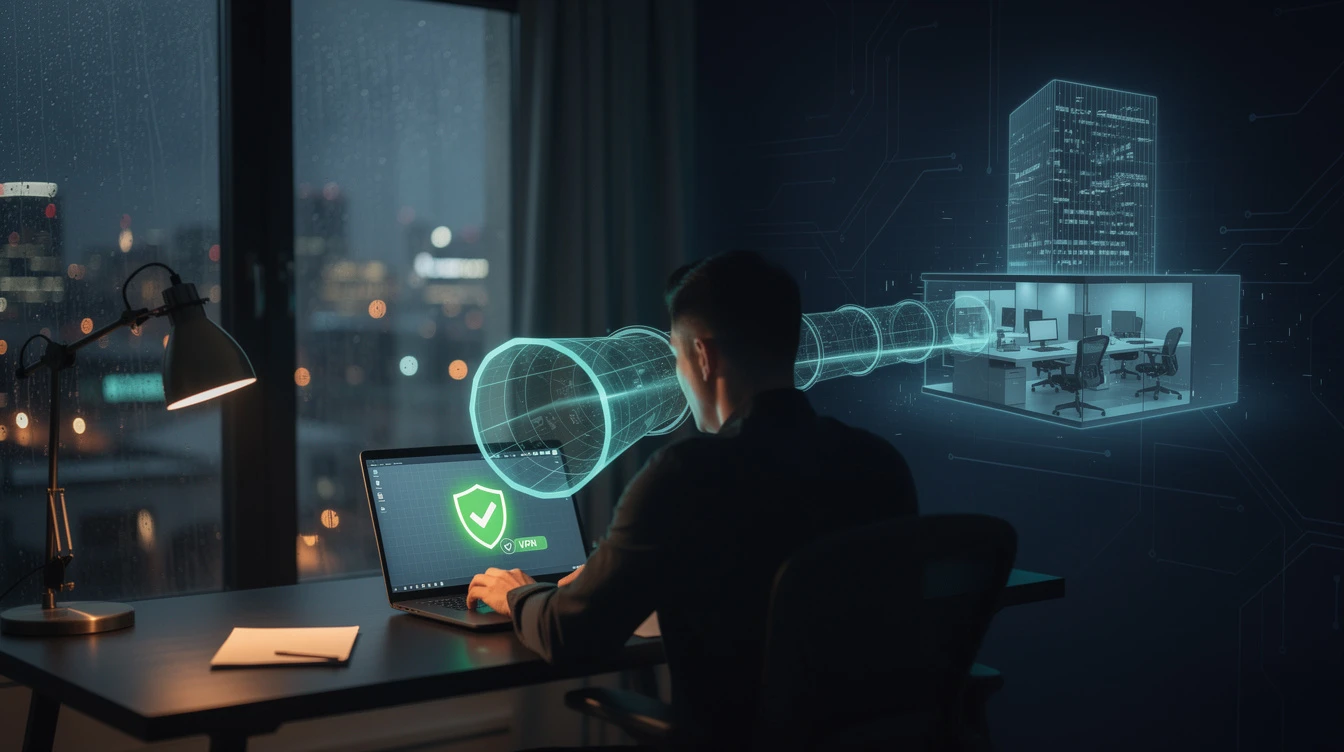
Secure remote access matters most when staff need to connect to on-premises systems or sensitive internal resources. A Virtual Private Network (VPN) encrypts traffic between the remote device and the corporate network, protecting it from interception on home or public networks. For most Irish SMEs, a commercial VPN solution integrated with Microsoft 365 Conditional Access provides sufficient protection without requiring complex infrastructure. Conditional Access policies allow you to require MFA or block access entirely when login attempts come from unfamiliar countries or devices.
Security awareness training for remote-specific threats is the fourth control. The phishing emails that target remote workers are not generic. They impersonate Microsoft, Revenue, payroll systems, and HR platforms. They create urgency around password resets, account suspensions, and document signatures. Staff who have been shown what these attacks look like, who understand that urgency is a manipulation signal rather than a reason to act, and who know to verify suspicious requests through a second channel before clicking are meaningfully harder to compromise. This training takes thirty minutes and should be refreshed at least annually.
The Policy Foundation
Controls without policy are inconsistently applied and impossible to enforce. Irish businesses with remote or hybrid teams need a short, clear remote work security policy that covers three things.
First, acceptable device use: which devices may be used for work, what software must be installed, and what personal use is permitted on company devices. Second, data handling: what data may be accessed from home, whether data may be stored on personal devices, and how shared documents should be managed. Third, incident reporting: what to do if a remote worker suspects they have been phished, clicked a malicious link, or received an unusual request from a colleague or supplier.
The policy does not need to be long. A single page, clearly written and communicated to all remote and hybrid staff, creates the baseline that makes everything else enforceable. The NCSC Ireland provides free policy templates for Irish organisations.
The Specific Risk of Shared Home Networks
Home networks create specific risks that deserve attention. Consumer routers are frequently unpatched and running with default credentials. Smart home devices on the same network create additional attack surfaces. Family members, guests, and neighbours using shared Wi-Fi all represent vectors through which the home network can be compromised.
The practical mitigation is not to require staff to replace their home routers. It is to use VPN to ensure that work traffic is protected regardless of what else is on the home network, and to train staff not to conduct sensitive work — particularly work involving payment details or client data — on public Wi-Fi without VPN active.
Remote work security is not about trusting your staff less. It is about ensuring that the controls which protect them in the office also protect them when they are working from home — because the attacks do not stop when they leave the building.
Three Actions to Take This Week
1. Enable MFA on all remote-accessible work accounts. Start with email. Microsoft 365 Security Defaults takes twenty minutes to enable and requires no additional cost. This one action will stop the majority of credential-based attacks on your remote workforce.
2. Survey your remote workers on what devices and networks they are using for work. Find out whether staff are using personal devices, whether those devices have antivirus and disk encryption, and whether they understand the company's expectations. The survey results will tell you where your exposure is.
3. Run a brief remote-work-specific phishing awareness session. Show your team what a credential phishing email looks like. Explain the urgency manipulation tactic. Tell them to verify suspicious requests by calling the sender directly using a known number — not by replying to the suspicious email. Thirty minutes of practical awareness training makes a measurable difference.
Related Reading
- Setup MFA on Microsoft 365 in 20 Minutes
- Shadow AI: The Hidden Risk of Unauthorised AI Tool Usage
- Building a Human Firewall: Security Awareness Training That Works
[^1]: NCSC Ireland, guidance on remote work security and cybersecurity for organisations: https://www.ncsc.gov.ie/advice-for-organisations/ [^2]: An Garda Síochána, National Cyber Crime Bureau cybercrime resources: https://www.garda.ie/en/crime/cyber-crime/ [^3]: Data Protection Commission, guidance on technical security measures including MFA: https://www.dataprotection.ie
Pragmatic Security — Cybersecurity advisory for Irish businesses. Based in Donegal, Ireland. CISA, CISSP, CISM certified advisors.