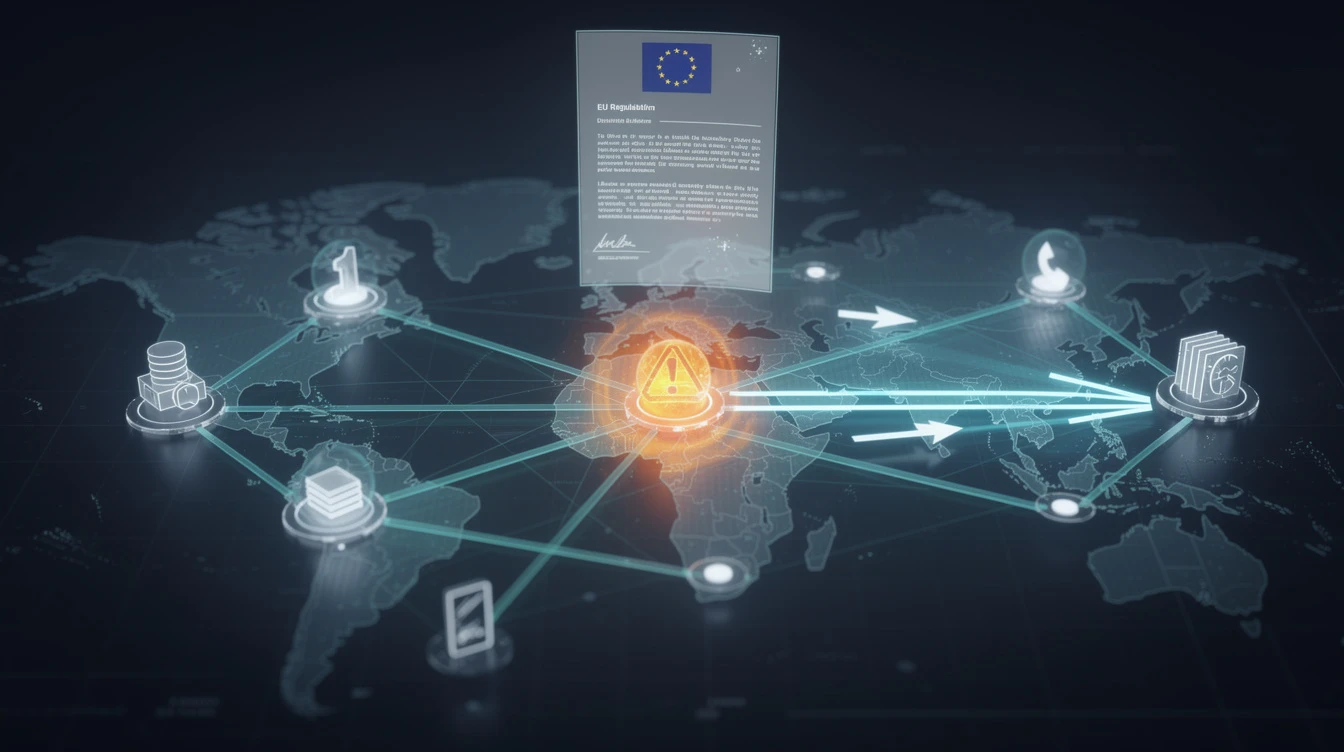
When a Cork engineering supplier received a 47-question security questionnaire from their largest client — a multinational with Irish operations — the managing director's first reaction was panic. His business ran entirely on Microsoft 365, had no dedicated IT security staff, and had never answered a formal security questionnaire before. Three weeks later, after working through the Microsoft 365 admin settings methodically, he had answered every question with documented evidence. He kept the contract.
That outcome is achievable for any Irish SME running Microsoft 365. Large enterprises and government bodies are now routinely pushing their cybersecurity requirements down to suppliers. A data breach originating from a smaller supplier is still a breach that the enterprise is accountable for, and procurement teams across Ireland know it. What has changed is that Microsoft 365 — the platform most Irish businesses already run — contains the controls that answer most common audit questions. The challenge is knowing which settings to enable and how to document them.
WHAT: The Questions Auditors Always Ask
Security questionnaires vary in length and detail, but the core questions are remarkably consistent. Understanding which Microsoft 365 settings map to which questions makes the entire process manageable.
Do you enforce Multi-Factor Authentication for all users? This is the most common question in every supplier security audit, and the answer directly determines whether the audit proceeds smoothly or becomes contentious. Enable Security Defaults in the Microsoft Entra admin centre — this is a single switch that enforces MFA for all users, blocks legacy authentication protocols that bypass MFA, and protects privileged actions. If you have Business Premium or above, Conditional Access policies give more granular control and produce stronger evidence for auditors. The NCSC Ireland identifies MFA as one of the most effective controls against account compromise.[^1]
How do you control access from unmanaged or risky devices? Conditional Access policies allow you to require that devices be managed through Intune and meet a minimum security baseline before they can access specific applications. A policy requiring that devices be enrolled and encrypted before accessing SharePoint or Teams data is a direct, documentable answer to this question.
How do you prevent sensitive data from being emailed externally? Data Loss Prevention policies in Microsoft Purview detect and block the sharing of documents containing personal data, financial information, or other sensitive content. Starting with Microsoft's pre-built templates — covering credit card numbers, Irish PPS numbers, and GDPR-related categories — creates automated controls that auditors value highly.
How do you protect against email phishing and spoofing? SPF, DKIM, and DMARC DNS records are the industry standard answer to this question. Without these controls, anyone can send emails that appear to come from your domain. Microsoft 365 provides the correct SPF and DKIM values for your domain. DMARC should be set to quarantine or reject — a reject policy is the gold standard that signals genuine commitment to email security. The Data Protection Commission expects organisations to implement appropriate technical measures to protect personal data, and email authentication is a foundational one.[^2]
Is company data on laptops encrypted? If your licences include Intune — part of Microsoft 365 Business Premium — you can enforce BitLocker full-disk encryption on all managed Windows devices through a configuration policy, with recovery keys backed up to Microsoft Entra ID automatically. A screenshot of the Intune policy showing BitLocker enforcement is clear, verifiable evidence.
Do you maintain audit logs of user and administrator activity? The Unified Audit Log in Microsoft Purview records who did what, when, and from where across your entire Microsoft 365 environment. Enable it if it is not active and document your log retention period. Standard plans retain logs for 90 days; E5 plans extend this to 180 days. An Garda Síochána's National Cyber Crime Bureau recommends that businesses maintain logs sufficient to support any necessary criminal investigation following an incident.[^3]
How do you classify and protect sensitive documents? Sensitivity Labels in Microsoft Purview allow users to classify documents as Public, Internal, or Confidential. Labels can trigger automatic encryption, watermarking, and access restrictions. A three-level labelling scheme with a default label applied to all new documents is a straightforward, auditable answer to data classification questions.
What advanced threat protection do you have for email? Safe Attachments and Safe Links, part of Defender for Office 365, provide the answer. Safe Attachments opens all incoming email attachments in a virtual sandbox before delivery. Safe Links rewrites all URLs and checks them at the time of click rather than delivery — catching threats that were not yet known when the email arrived. Screenshots of your enabled policies are clean, verifiable evidence.
Is your next supplier audit in the next six months? Book a free 20-minute strategy call — we can review your Microsoft 365 configuration and identify exactly which settings will answer your client's specific questions.
WHAT NOW: Building Your Evidence Pack
The difference between an SME that passes a supplier audit and one that struggles is not the security controls they have — it is the documentation. For each setting you enable, capture a screenshot immediately. Create a shared folder called "Security Evidence" and store: screenshots of Security Defaults enabled, your Conditional Access policy summary, a screenshot of active DLP policies, your DNS records for SPF, DKIM, and DMARC, the Intune BitLocker policy, confirmation that audit logging is active, your sensitivity labels, and your Safe Attachments and Safe Links policies.
When a security questionnaire arrives, you should be able to answer the majority of questions by pointing to this folder — not by spending three weeks enabling settings you should already have in place.
WHY IT MATTERS: Supply Chain Security Is Now a Procurement Requirement
Irish businesses that supply to large enterprise clients, public sector bodies, or multinationals with Irish operations are increasingly finding that security questionnaires are not a one-time exercise — they are now part of the tender evaluation process and annual contract review. Failing an audit can mean losing a contract. In the interconnected Irish business community, reputational damage from being identified as a high-risk supplier travels quickly.
The same Microsoft 365 settings that answer supplier questionnaires also address your obligations under GDPR and NIS2. MFA, audit logging, data loss prevention, and email authentication are not just audit box-ticking — they are genuine controls that reduce your risk exposure and your regulatory liability.
Passing a supplier security audit is not about ticking boxes. It is about building the trust that protects your client relationships.
WHAT NEXT: Three Actions in the Next Seven Days
1. Enable Security Defaults and MFA for all users if you have not already done so. Take a screenshot of the enabled setting in Entra admin centre. This is the most commonly demanded evidence in any supplier audit.
2. Verify that audit logging is active in Microsoft Purview. If not, enable it now. Losing months of logs because this was never turned on is a common and entirely avoidable problem.
3. Create a Security Evidence folder and populate it with screenshots of your current configuration. Do this before an audit request arrives — under pressure, the three weeks you need to close gaps will not be available.
Related Reading
- Microsoft 365 Security Settings Every Irish SME Should Enable Today
- MFA Rollout Roadmap: Essential 8 to CyFUN Protect
- How to Choose a Managed Security Service Provider in Ireland
[^1]: NCSC Ireland — advice for organisations on MFA and access control: https://www.ncsc.gov.ie/advice-for-organisations/ [^2]: Data Protection Commission Ireland — technical and organisational security measures: https://www.dataprotection.ie [^3]: An Garda Síochána — National Cyber Crime Bureau guidance: https://www.garda.ie/en/crime/cyber-crime/
Pragmatic Security — Cybersecurity advisory for Irish businesses. Based in Donegal, Ireland. CISA, CISSP, CISM certified advisors.